Kortex Digital is an advertising and digital agency in Eyüpsultan, Istanbul that handles admin panel design. We start by mapping roles, permissions and your team's most frequent tasks, then deliver lists, forms and status screens in Figma, ready for your developer to build.
Services / Digital Experience
Admin panel design in Istanbul
↓
Clear, fast admin interfaces that make management easier.
What does admin panel design cover?
The admin panel is the back side of a product or website. The people who approve orders, add users and publish content work in these screens daily. Visitors never see them, but a confusing panel costs your team extra time on every task.
We go beyond a table view. Bulk actions, validation, errors and undo flows are defined before developer handoff, and the screen always shows who works with which permission and what state a record is in. A project can include:
- User roles and a permission table: who sees what, who changes what
- List screens with search, filters, sorting and bulk actions
- Forms for adding and editing records, with field validation
- Approval, cancellation and undo steps
- Empty, loading, error and success states
- User, team and notification settings screens
- A design system with components and behavior notes
Coding the panel is a separate line. It can stay with your developer, or we plan it as a software and automation project with our team.
How we work
The examples come from the web app interface we designed for 916 Digital.
- Listen. We ask who opens the panel and for which task. 916 Digital had two sides: clients open new jobs, upload files and approve results, while the agency team shares tasks and tracks comments and revision requests.
- Connect. We turn tasks into menus and roles. In the left menu, the number of jobs shows next to each status, and a fixed shortcut for opening a new project sits at the bottom.
- Explore. We draw the most-used screen first and test it with the team. In the task list, progress, assignees, status and due date read on one row, so users see a job's stage without opening it.
- Refine. We carry the chosen layout to every role and settings screen. The admin side has user list, add user, teams and settings screens, and email, SMS and in-app notifications switch on and off separately.
- Create. We hand the screens to the developer with states and behavior notes. The confirmation window that opens when a client approves a job was listed as its own screen. The portfolio shows 16 screens for this app.
Irreversible actions need the most care. For deleting, bulk updates and unpublishing, we agree on the confirmation window and the way back while the screens are drawn.
Admin panels in our work
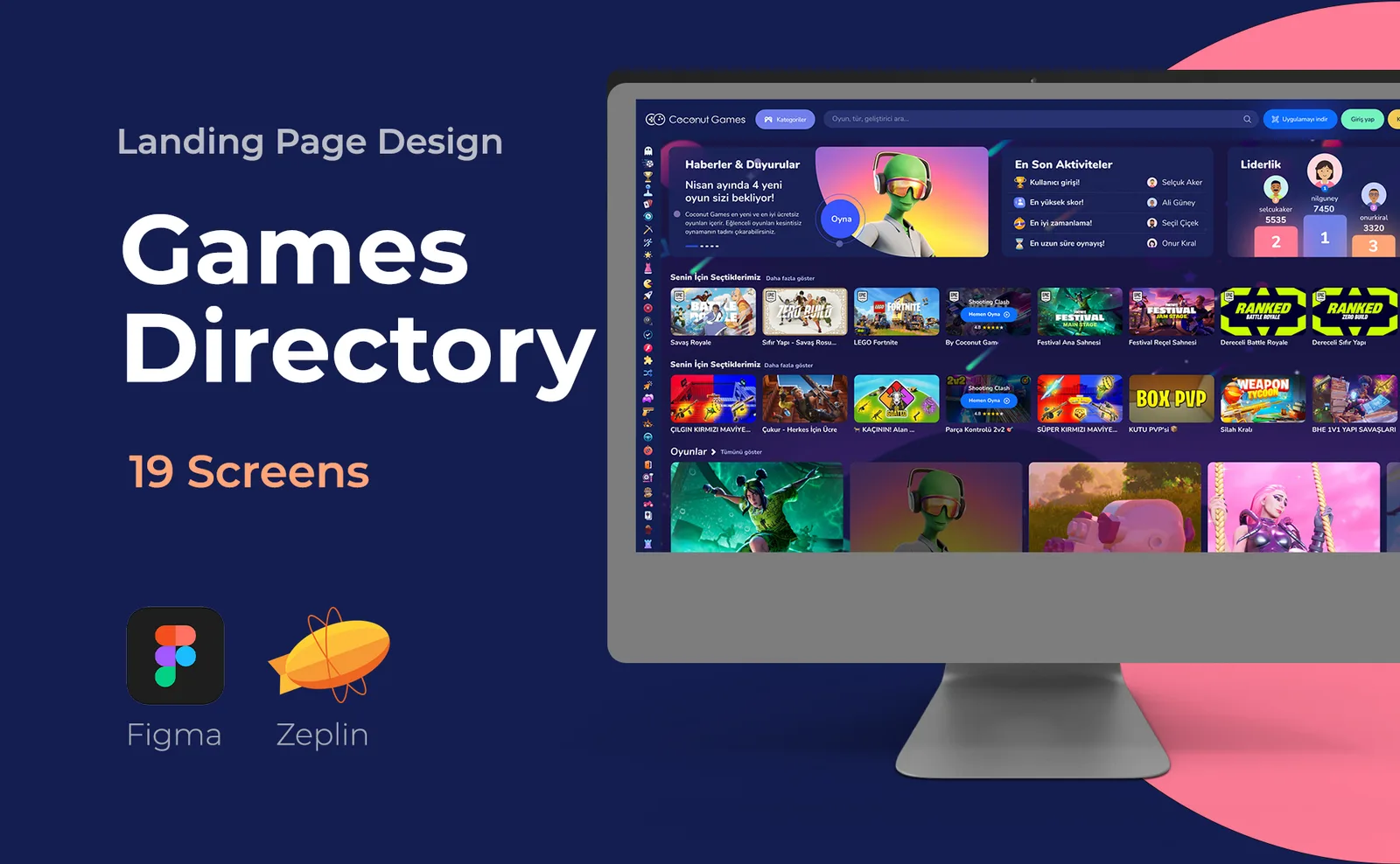
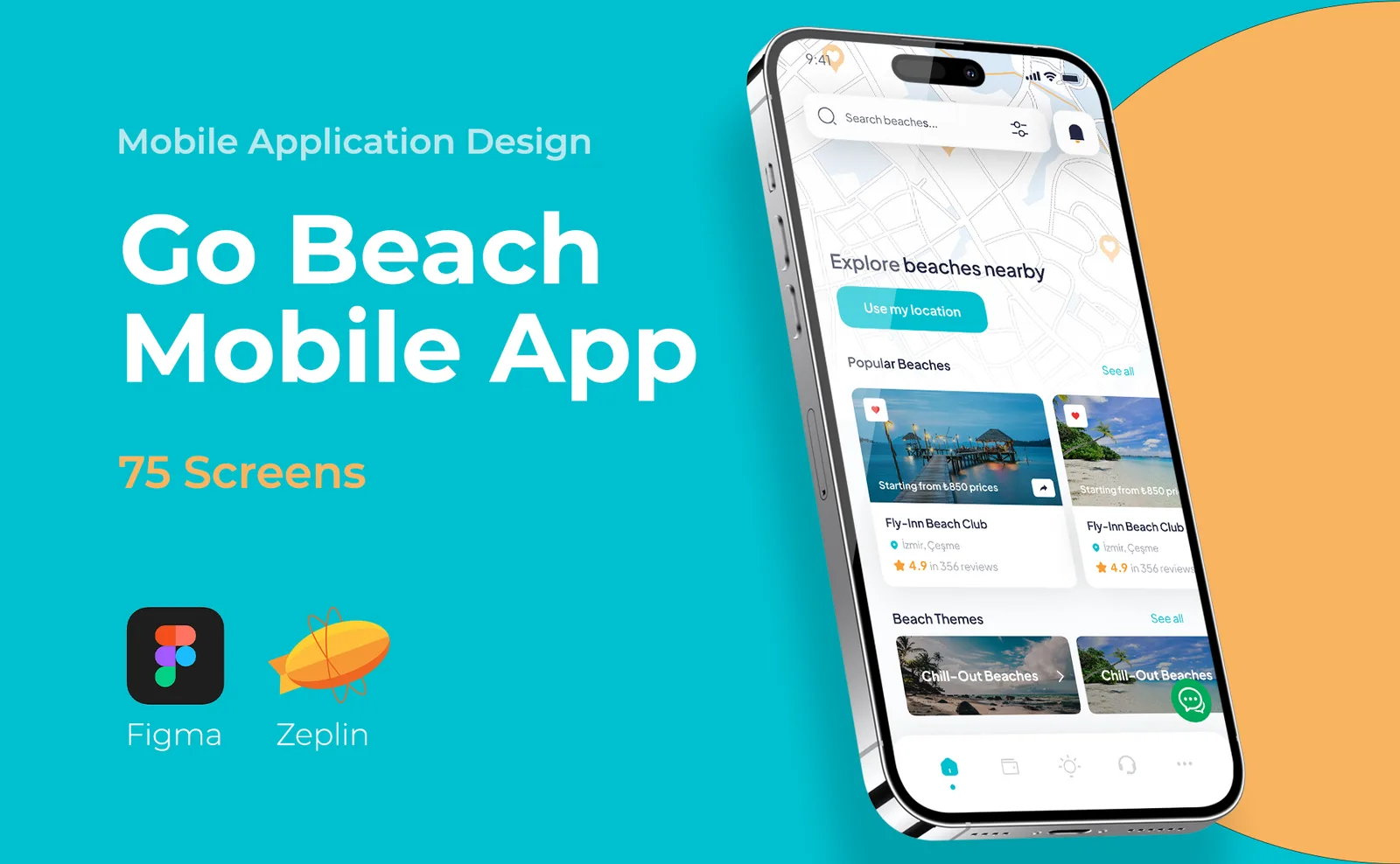
- 916 Digital: a web app for a digital agency's projects, files, tasks and approvals, with user, team and notification settings on the admin side.
- Papirus Digital: a document management panel with file lists, transaction statuses, search and document preview.
- Order Tracking: a panel that follows orders and shipments on status-driven operations screens.
- Leadport Customer App: a customer relations panel for requests, tracking and reporting in one place.
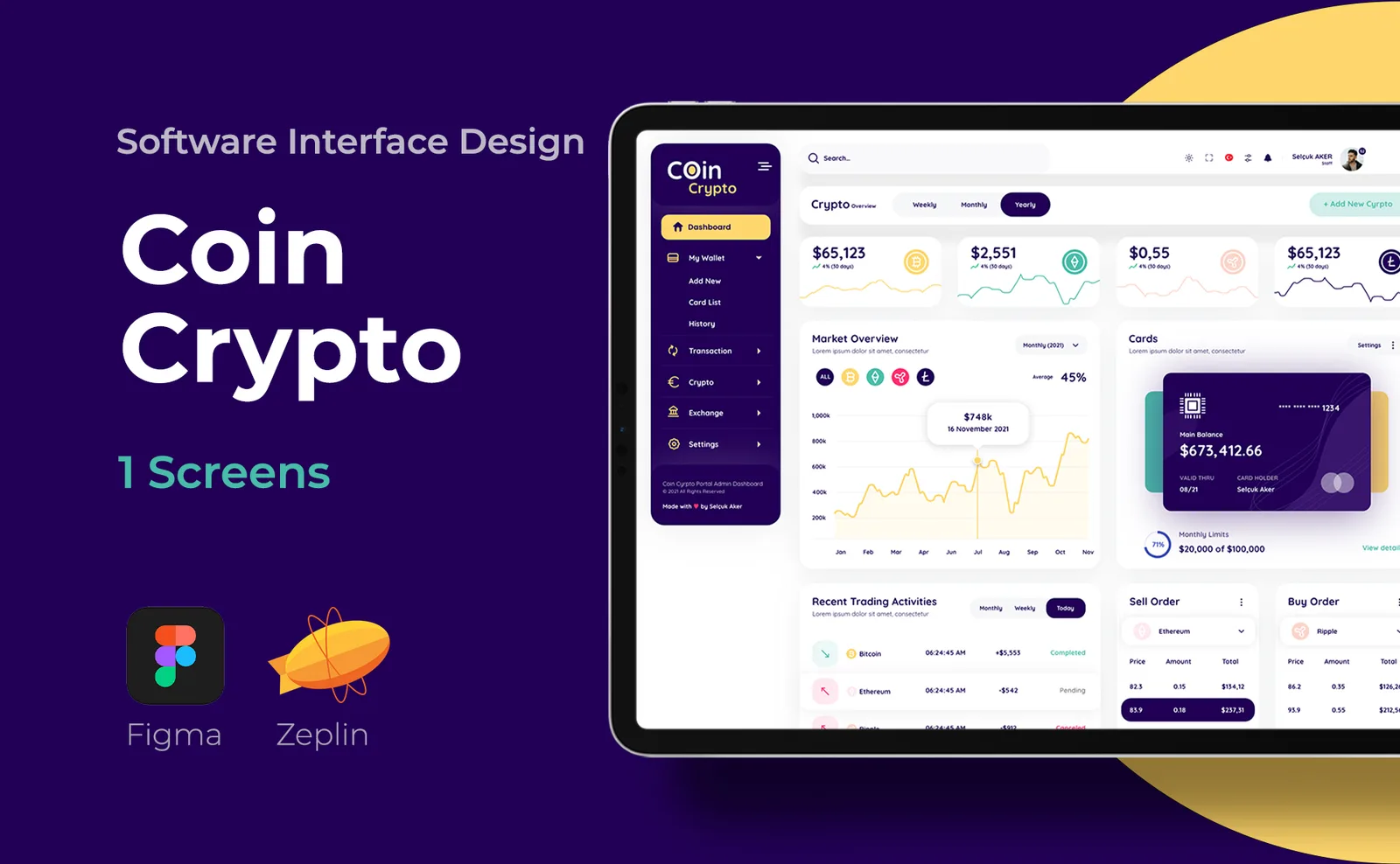
- ERP Software: screens that make dense data readable in enterprise resource planning software. Our role was interface design.
- Pharmon MarketPlace: a marketplace interface for managing stock, orders and delivery of pharmacy products.
See all our work for more.
What affects the cost of admin panel design?
Screen count alone doesn't set the proposal. The figure comes once the scope is clear, based on:
- Number of roles and permissions, such as admin, editor, operator and client
- Number of list, form and settings screens
- Bulk action, approval and undo flows
- Detail of empty, loading and error states
- Redesigning an existing panel or building from scratch
- Need for a design system and component library
- Who handles development
Development, servers and software licenses are listed apart from the design fee. The first version is planned as a project, and screens added after launch can continue under monthly support.
Ready-made admin template or custom panel?
| Topic | Ready-made admin template | Custom admin panel design |
|---|---|---|
| Starting point | The template's components and menu | Your team's tasks and roles |
| Menus and screens | Your workflow is fitted to the template | Screens are built around your workflow |
| Bulk actions, approval, undo | Whatever the template includes | Each flow is designed on its own |
| When is it enough? | Few roles, standard lists and forms | Many roles, approval steps, daily use |
The two can also be combined: the template's components stay, and the screens your team uses most are redesigned.
Why Kortex Digital?
- A UI/UX designer, an art director and a software developer work in one team, so we discuss how the panel will be coded as design starts.
- Our panel and web app work is on the site. The 916 Digital page lists the brief, design decisions and delivered screens one by one.
- Our office is at Axis İstanbul in Eyüpsultan, Istanbul. We run projects for clients in other cities remotely.
- Design, development and licenses sit on separate lines in the proposal.
For the metric and chart screens your customers see, go to SaaS dashboard design. For the user flows behind the screens, see UI/UX design. Other services are on the digital agency in Istanbul page.
Frequently asked questions
What sets the cost of admin panel design?
The number of roles and permissions, list, form and settings screens, bulk action and approval flows, and the need for a design system set the cost. We don't quote fixed packages; the figure comes once scope is clear. Development, servers and licenses are separate. Share your current panel or task list, and we'll work out the screens together.
What is the difference between an admin panel and a SaaS dashboard?
An admin panel gets work done, and a dashboard shows status. In an admin panel, the team adds, edits, approves and deletes records. A dashboard brings metrics, charts and summaries together for decisions. Many products hold both in one app, but each screen answers a different question. Our SaaS dashboard design page compares them.
How do you plan permissions in an admin panel?
We list the roles and each role's tasks first. Then we write a permission table: which role sees which menu, edits which record and sends which action for approval. The screens follow that table, including the message users see when they lack permission. The table goes to the developer with the screens.
Can you redesign our existing admin panel?
Yes. We start by reviewing your current screens, roles and the tasks that take your team the most time. Then we rebuild the menu, list screens and forms. If development stays with your team, we deliver the changes with component rules and behavior notes. The proposal lists which screens change and which stay.
Does an admin panel design agency also handle the coding?
Depending on scope, yes. We have a software developer on the team, and coding is planned as a separate software and automation item. If you have your own developer, we deliver the Figma file with components, states and behavior notes. Design, development and post-launch maintenance sit on separate lines.
Define the scope.
Together, we clarify the goals, audience and scope of the project.
Develop the design.
We explore the visual direction through concrete examples, then refine it with your feedback.
Prepare for handover.
We hand over the agreed files and usage details in an organised format.
RELATED PROJECTS