Kortex Digital is an advertising and digital agency in Istanbul that offers clickable prototype design in Figma for web and mobile products. We link screens along the real flow and build a prototype you can test with users and show to your team and investors before any code is written.
Services / Digital Experience
Clickable prototype design in Figma
↓
Pre-investment testing the idea with clickable prototypes.
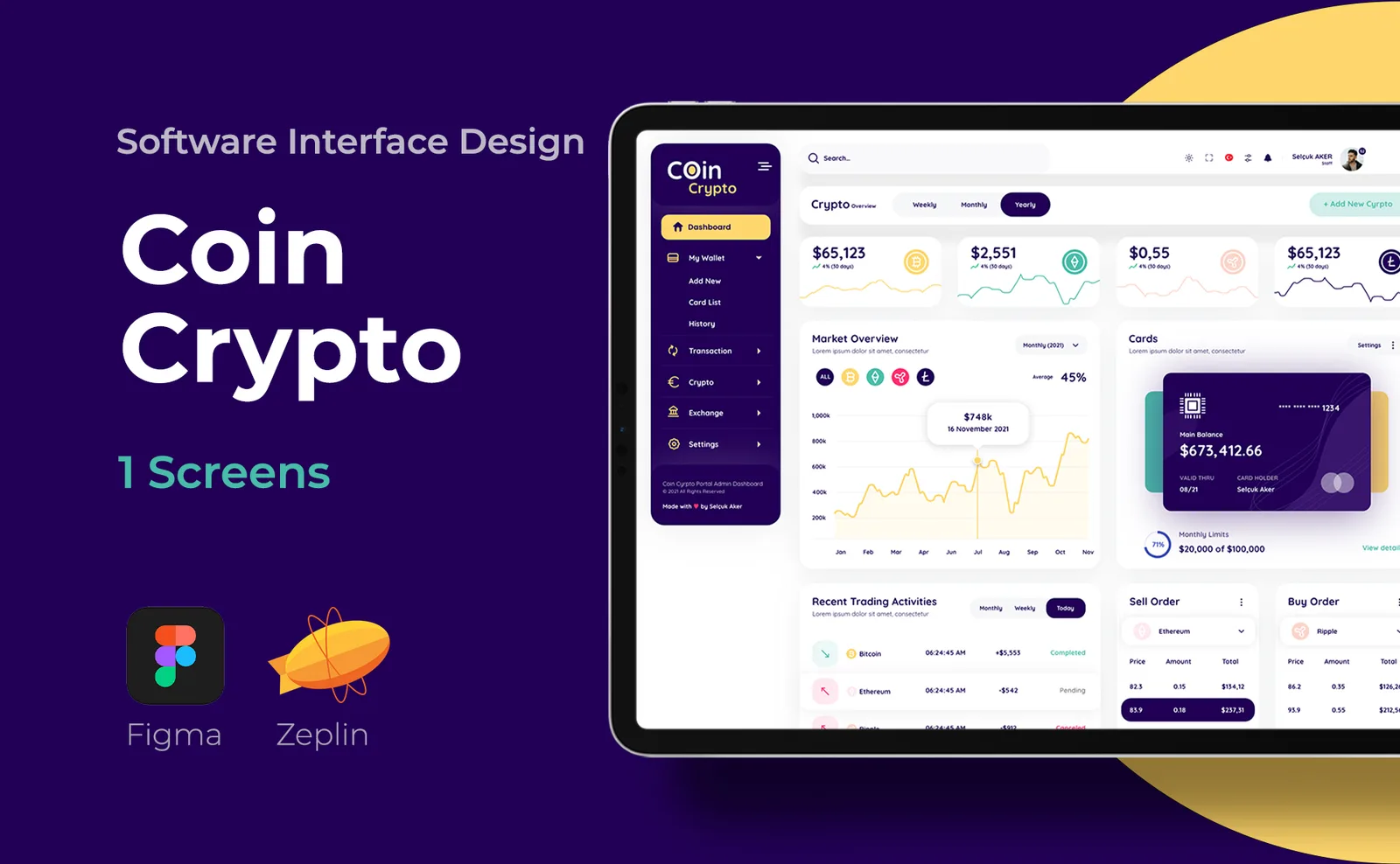
What does prototype design give you?
A prototype is a set of linked screens that behaves like the real product when clicked. Tap a button and the next screen opens, a menu slides out, a form shows an alert. There is no working code or database behind it, so it is quick to build and easy to change. The same file works for user tests, team reviews and investor meetings.
Its main job is to show whether a flow works before you spend on development. If users can't finish a task without help, the problem is in the flow, and fixing a flow in a prototype is cheap. Depending on scope, we deliver:
- Linked screen flows for the main tasks
- Transitions, dropdowns, tabs and scroll behavior
- Form, error and confirmation states
- Separate phone and desktop prototypes
- A test task list and test notes
- A shareable prototype link for presentations
- Transition and animation notes for developers
Built on wireframes, a prototype is low fidelity; built on the final interface, it is high fidelity. Who will see it decides which you need.
How we work
The examples come from interaction-heavy mobile and web apps, where screens can look fine one by one and still fail once linked.
- Listen. We ask who will see the prototype: test users, investors or developers. The answer sets the detail. An investor demo needs the main flow, while a user test also needs error states linked.
- Connect. We pick the tasks to test and link them into a flow. Car Charging Stations App has two core jobs: finding a station and tracking a charge. Its prototype should make both clickable from start to finish.
- Explore. We link the screens, walk the first round as a team, then give users tasks. In a web app with video calls and screen sharing, such as Wora Online Meet, joining a meeting and sharing a screen are the first tasks to test.
- Refine. We fix the steps where testers got stuck and add transitions and micro-interactions. The BCN AI Lab project page highlights clear hierarchy and micro-interactions. A static screen hides these details, and a prototype lets you feel them.
- Create. We hand the final prototype to developers with transition notes and a screen list. Even in an app with simple controls like Volume Booster, the notes state the feedback each tap gives.
After each test round, we note which task was completed, which one stalled and which screen changed. The next round repeats the same task, so we judge each change by observation instead of guesswork.
Prototypes in our work
These project pages show screens where interaction comes first.
- BCN AI Lab: a mobile app interface with clear hierarchy and micro-interactions.
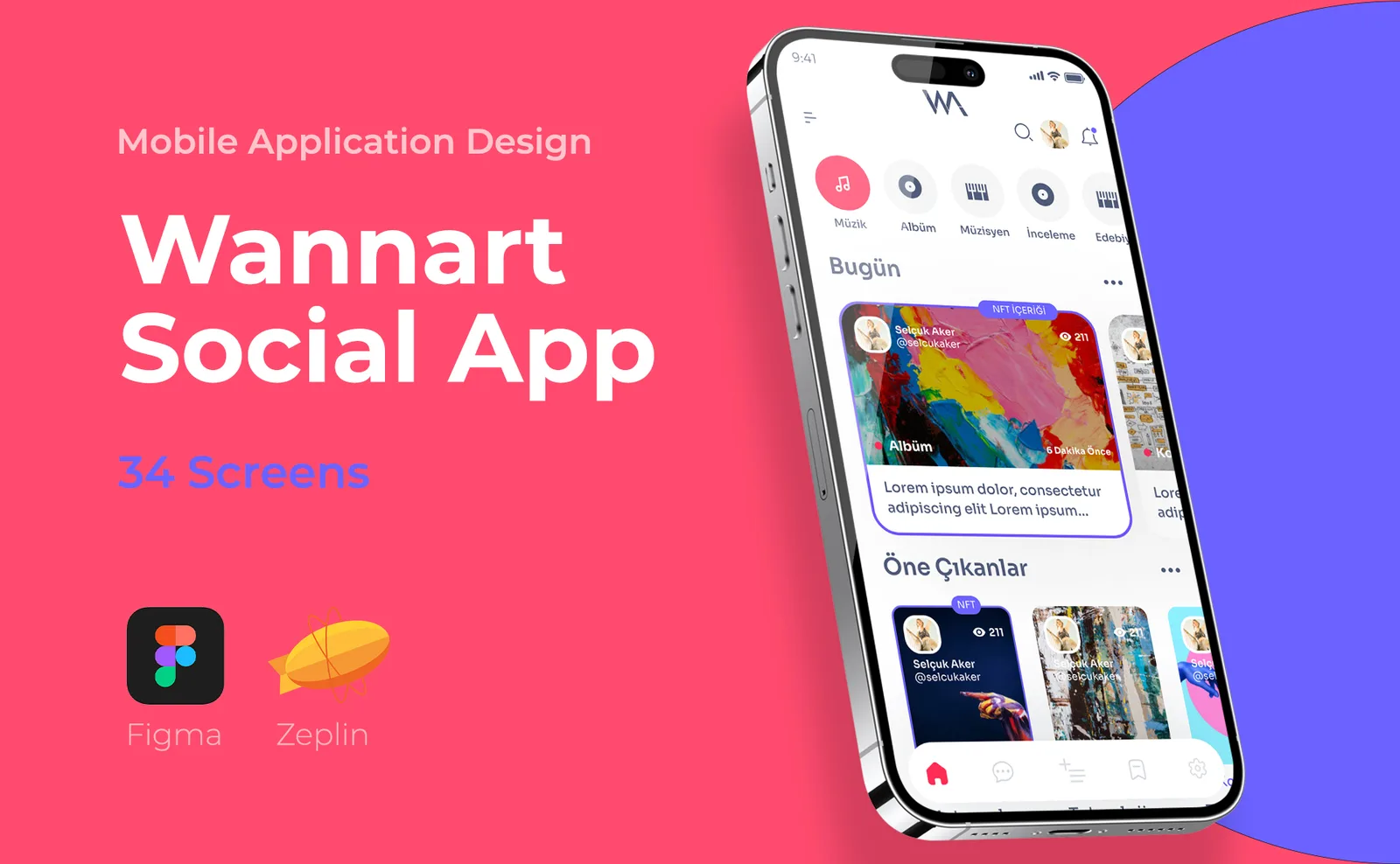
- Auglinn Mobile App: a fluid interface for a social app with augmented reality features.
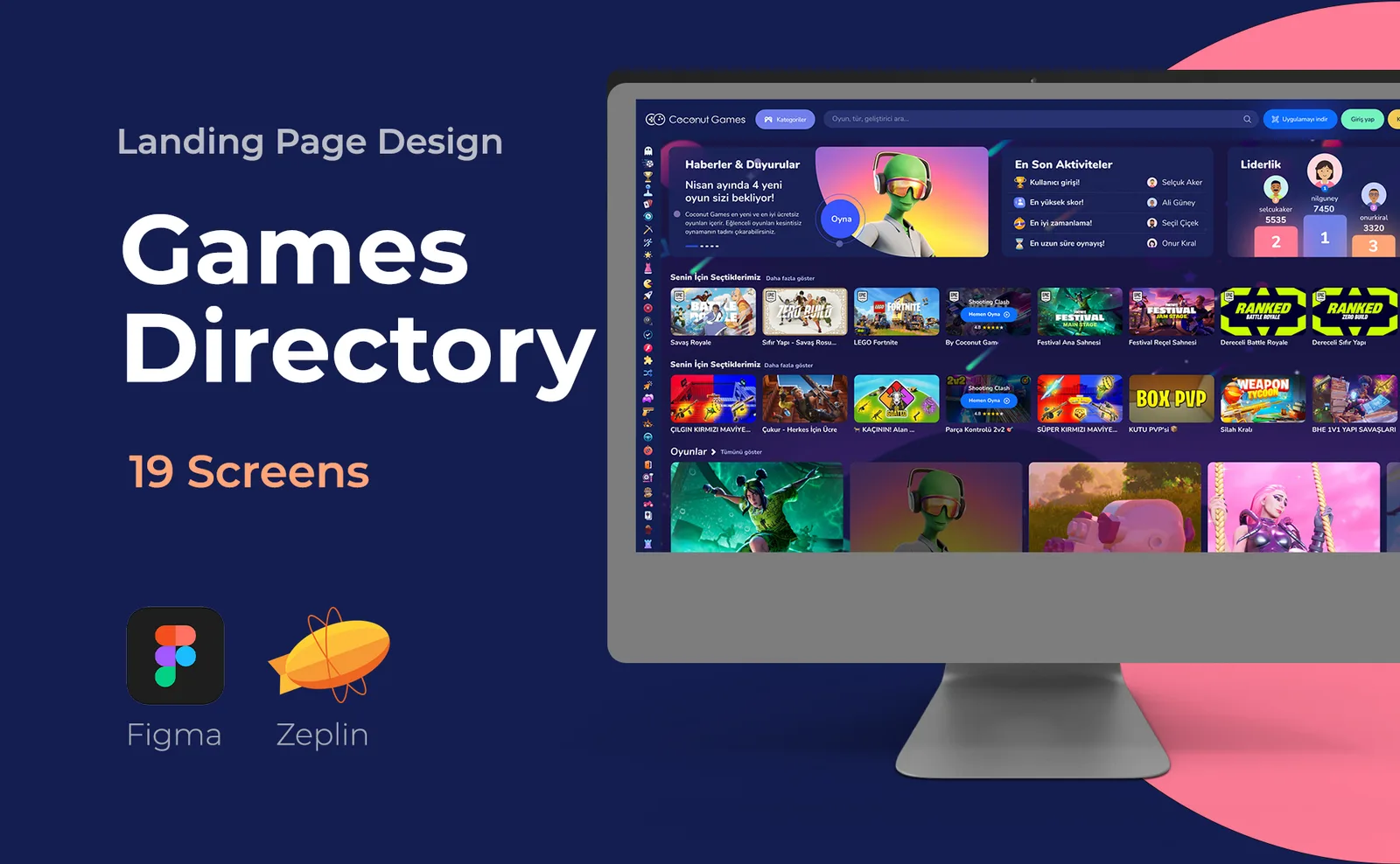
- Wora Online Meet: an online meeting platform with video calls and screen sharing.
- Car Charging Stations App: a mobile interface for finding stations and tracking charges.
- Volume Booster: a sound amplification app with simple controls and clear feedback.
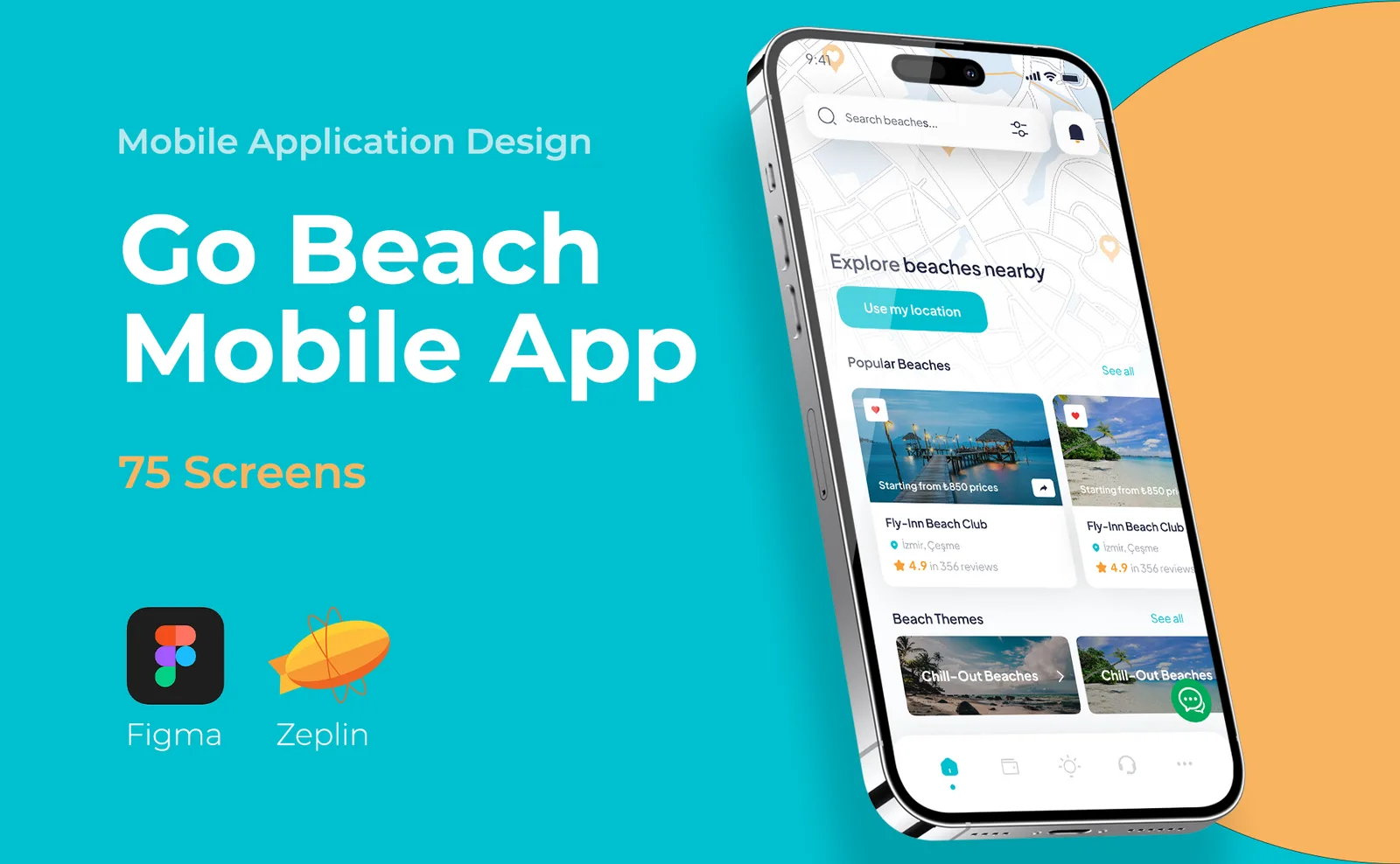
- Scuba Diving Mobile App: dive site discovery, booking and a dive log in one app.
See all our work for more.
What affects the cost of prototype design?
We don't have fixed package prices. The figure comes once the scope is clear, based on:
- Number of tasks and screens to link
- Low fidelity (wireframes) or high fidelity (final interface)
- Detail of transitions, animation and micro-interactions
- Separate phone and desktop prototypes
- Whether screen designs already exist
- Whether we run the user test, and with how many people
- How many update rounds follow the test
Participant incentives, testing and recording tool licenses and development are listed separately. If you decide to build the product, we plan development through our software and automation service.
Prototype or MVP: what is the difference?
| Topic | Clickable prototype | MVP (first working version) |
|---|---|---|
| Code behind it? | No, the screens are linked | Yes, it saves data and runs actions |
| Where is it built? | In a design tool, Figma | In the software team's development setup |
| Ease of change | Easy, screen by screen | Every change needs code and testing |
| What is it for? | Flow tests, presentations, investor meetings | Trying the product with real users |
| What does it show? | Whether users understand and finish a task | Whether users actually use the product |
UX research and user flows come first. Once the prototype is approved, screens are prepared with design system components. For a first version, see startup design; every stage is on our UI/UX design page.
Why Kortex Digital?
- The team that builds the prototype also designs the screens and works next to a software developer, so we discuss early how each transition will be coded.
- Our mobile and web app work is on the site, screen by screen.
- Our office is at Axis İstanbul in Eyüpsultan, Istanbul. We run user tests in person in Istanbul and by screen share with other cities.
- Prototype, user testing and development sit on separate lines in the proposal.
Other services are on the digital agency in Istanbul page.
Frequently asked questions
What is a clickable prototype?
A clickable prototype is a set of designed screens linked so you can move through them like a real app. Tap a button and the next screen opens; a form shows an alert. It has no working code and saves no data, so teams use it to test flows and show the product before development.
What sets the cost of prototype design?
The number of screens and tasks to link, low or high fidelity, the detail of animation and transitions, and whether user testing is included set the cost. We don't quote fixed packages; the figure comes once scope is clear. Participant incentives and tool licenses are listed separately.
Can I try a Figma prototype on my phone like a real app?
Yes. A Figma prototype opens full screen in a phone browser or the Figma mobile app, and users move between screens by tapping. Phone features such as the camera, location or notifications don't actually run; those steps appear as screens. We tell participants this before the test.
How do you run a user test with a prototype?
We give the participant a task, such as adding a product to the cart, then watch without helping. We note where they pause, what they look for and which button they misread. Then we apply the findings and update the prototype. The proposal states how many participants join and who recruits them.
Can you build a prototype for an investor pitch?
Yes. An investor prototype links the main flow and the strongest screens; error states are usually unnecessary. We order the screens to match your pitch, and you can share the link or play a screen recording. For the deck itself, see investor presentations.
Define the scope.
Together, we clarify the goals, audience and scope of the project.
Develop the design.
We explore the visual direction through concrete examples, then refine it with your feedback.
Prepare for handover.
We hand over the agreed files and usage details in an organised format.
RELATED PROJECTS