Kortex Digital is an advertising and digital agency in Istanbul that offers user flow design for web and mobile products. Before any screen is drawn, we map the steps users take toward a goal, where they make decisions and where they go when something fails.
Services / Digital Experience
User flow design in Istanbul
↓
Fictions that simplify flows and information architecture.
What is user flow design for?
A user flow is a diagram of the steps a user takes to reach a goal: the entry point, screens, decisions, and the error and return paths. A booking, a quote request or an order shows up in this diagram before any screen design. Extra steps are spotted and removed here, because removing a step from a coded flow costs far more.
Flow design usually runs alongside information architecture, which organizes content and menus while the flow traces the path through them. A flow project can deliver:
- User roles and each role's main tasks
- Task-based flow diagrams with entry points, steps and decision points
- Error, cancellation, return and drop-off scenarios
- A sitemap or app menu structure (information architecture)
- A screen list drawn from the flows
- Off-screen steps such as notifications, emails and text messages
Once the screen list is ready, each screen is planned with a wireframe.
How we work
The examples come from booking, quote, delivery and task management products.
- Listen. We write the user's goal in one sentence. Yatcim is a yacht rental marketplace with boat profiles, a calendar and secure payment. The first question here: which details help users pick a boat, and where do they see dates?
- Connect. We separate roles and tasks. Courier App is built for field use, with order assignment, routes and delivery status in one app. In a product like this, the courier's flow and the dispatcher's flow get separate diagrams.
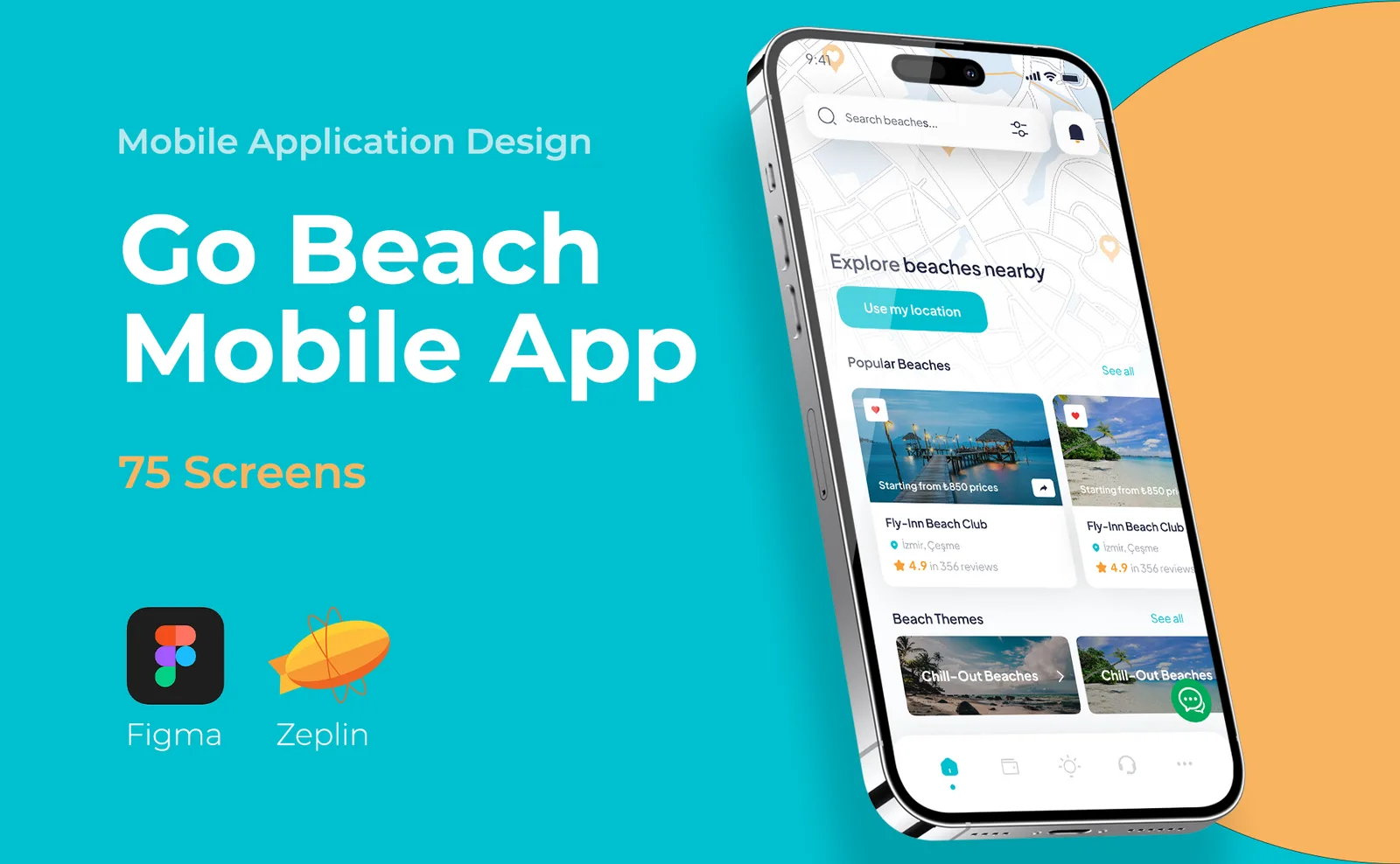
- Explore. We walk through the flow step by step on rough screens. In Beach Reservation, users find a beach by location and pay through a short flow. A flow like this needs its own branch for users who don't share their location.
- Refine. We add exceptions around the main flow: empty results, declined payments, cancellations, expired actions. Patron Task App handles task assignment, tracking and prioritization, so a rejected or overdue task needs its own branch.
- Create. We hand the diagrams to the design team and developers with the role, task and screen lists. For Teklifim Gelsin, where users post a request and compare quotes, the diagram also shows what happens if no quotes arrive.
User flows in our work
These project pages show booking, purchase, delivery and task screens.
- Yatcim: a yacht rental marketplace with boat profiles, a calendar and secure payment. We prepared the entire site.
- Beach Reservation Mobile App: find a beach by location and book it with fast payment.
- Courier App: order assignment, routing and delivery status in one app for field use.
- Teklifim Gelsin: a mobile app for posting a service request and comparing incoming quotes.
- Patron Task App: a mobile app that simplifies task assignment, tracking and prioritization.
- Hedigo Market Place: a gift marketplace built on personalized recommendation flows.
- Food Delivery: an app that simplifies restaurant choice, the cart and order tracking.
See all our work for more.
What affects the cost of user flow design?
We don't publish package prices. The figure comes once the scope is clear, based on:
- Number of user roles, such as customer, seller, courier and admin
- Number of tasks to map
- Steps tied to outside systems, such as payment, sign-up or approval
- How detailed the error, cancellation and refund scenarios are
- Whether we review the flow of a live product
- Whether information architecture and a sitemap are included
- Whether wireframes or a prototype follow
Development, payment infrastructure and third-party fees are listed apart from the design fee. If you drew the flow yourself, we can review it and mark missing branches, which is a smaller job.
Information architecture, user flows, wireframes and prototypes
| Work | What it shows | Its question in a hotel booking product |
|---|---|---|
| Information architecture | How content is grouped, and the menu | Where do hotels, deals and my bookings sit in the menu? |
| User flow | A task's steps, decisions and error branches | In what order do dates, room, payment and confirmation come? What if payment is declined? |
| Wireframe | What sits on each screen, in what order | On the room screen, where do price, cancellation terms and photos go? |
| Prototype | Whether the flow works in real use | Can a test user finish a booking without help? |
Flows rest on tasks found in UX research; this article shows how findings become flows. A design system keeps screens consistent as the product grows, and our UI/UX design projects cover every stage.
Why Kortex Digital?
- The team that maps the flow also designs the screens: a UI/UX designer and a software developer work together, so each box moves into wireframes and the interface.
- Our booking, delivery, quote and task management work is on the site.
- Our office is at Axis İstanbul in Eyüpsultan, Istanbul. We hold flow meetings in person in Istanbul and online with other cities.
- Flow design, wireframes and prototypes are separate lines in the proposal.
If the flow is for an online store, see ecommerce website design. Other services are on the digital agency in Istanbul page.
Frequently asked questions
What is a user flow, and how do you draw one?
A user flow is a diagram of the steps a user takes to reach a goal. Write the goal in one sentence, lay out the entry point, screens and decision points as boxes and arrows, then add error, cancellation and return branches. Each task, such as payment or sign-up, gets its own diagram.
What sets the cost of user flow design?
The number of user roles, the tasks to map, steps tied to outside systems such as payment and sign-up, and the detail of error scenarios set the cost. We don't quote fixed packages; the figure comes once scope is clear. Information architecture, wireframes or a prototype each get their own line.
What is the difference between a user flow and a sitemap?
A sitemap shows the product's content and how pages relate, like a tree. A user flow shows the steps of one task: where users came in, what they chose and where they went after an error. A sitemap answers "what is where?" and a flow answers "how does the task get done?" Most projects need both.
Which tool do you use for user flows?
We draw flow diagrams in Figma, where screen design continues in the same file, so each box can link to its screen. You can comment directly on the diagram. If your developers use another tool, we also deliver the diagrams as PDF or image files.
Can you redesign the flow of my live app?
Yes. We map today's flow screen by screen and mark where users get stuck, reading analytics data and support requests if you have them. We show the new flow next to the old one, so removed or merged steps are easy to see. If the sticking points are unclear, start with UX research.
Define the scope.
Together, we clarify the goals, audience and scope of the project.
Develop the design.
We explore the visual direction through concrete examples, then refine it with your feedback.
Prepare for handover.
We hand over the agreed files and usage details in an organised format.
RELATED PROJECTS